
AV budget planning gets difficult when every room seems to need something different. One system is old but dependable. Another is newer but creates weekly support calls. A third works well, yet no longer matches the rest of the building.
The answer is not to replace everything at once. A practical plan separates rooms into three actions: repair, standardize or replace. That makes priorities easier to explain and helps capital dollars address the problems with the greatest operational impact.
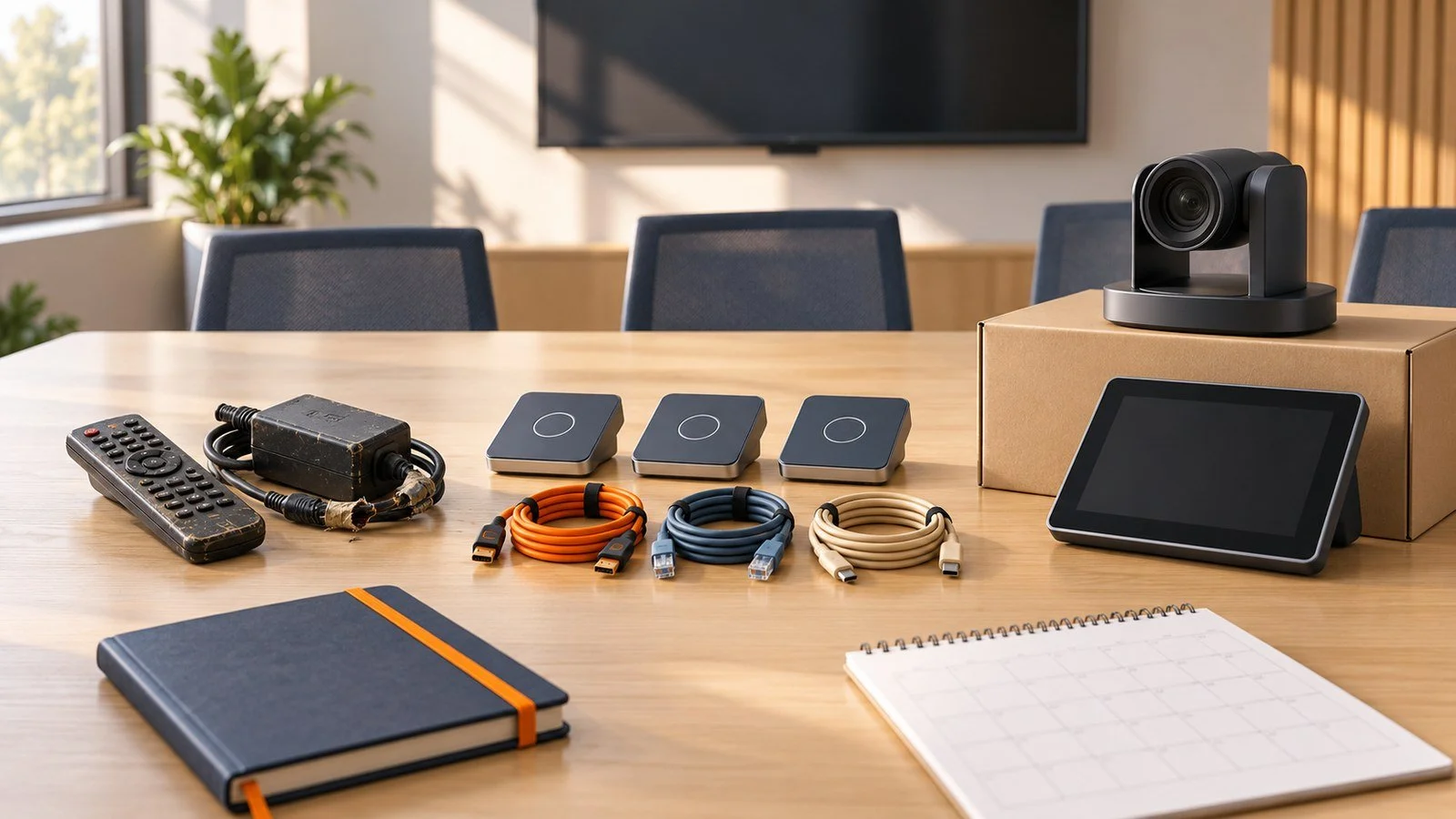
Start with a room-by-room inventory
Create a simple inventory before discussing products. Record the room purpose, equipment age, warranty status, platform, known issues and the person responsible for support.
Add information that shows business impact:
How often the room is used
How many support calls it creates
Whether failures interrupt critical work
How difficult replacement parts are to obtain
Whether upcoming renovations or policy changes affect the room
A five-year-old system in a low-use room may be a lower priority than a two-year-old system that regularly disrupts executive or public-facing meetings.
Repair when the system still fits the need
Repair is often the right choice when the room supports current workflows, the underlying design is sound and replacement parts remain available.
Good repair candidates usually have an isolated fault rather than a pattern of failures. A failed cable, power supply, microphone or control component may be worth correcting if the rest of the system is stable and supportable.
Be cautious when a repair only postpones a larger problem. Repeated service calls, unsupported firmware or obsolete connectors can make a low-cost fix expensive over time.
Standardize when inconsistency creates friction
Standardization does not mean every room must be identical. It means similar rooms should behave in similar ways.
Consider standardizing when users encounter different controls, cables, meeting platforms or support procedures from room to room. A common room design can reduce training, simplify spares and make troubleshooting faster.
Useful standards may cover:
The preferred conferencing platform
Control-screen layout and naming
Approved connection types and adapters
Camera and microphone approaches by room size
Documentation, monitoring and support requirements
Replace when risk and limitations outweigh remaining value
Replacement becomes the better option when a system no longer supports the work, cannot be secured or maintained, or would require major investment to remain compatible.
High-priority replacement signals include:
Frequent failures in an important room
Unsupported operating systems, firmware or hardware
Poor audio or video caused by fundamental design limits
No practical path to current meeting platforms
A planned renovation that changes room use or geometry
Replacement should solve the current problem and create a supportable path forward. Buying a newer version of the same mismatched design simply resets the age of the problem.
Rank projects by operational impact
Once each room has a likely action, score the work using a few consistent factors. Room importance, failure frequency, safety or compliance needs, support effort and lifecycle risk are usually more useful than age alone.
A practical priority order is:
Critical rooms with active reliability or support risks
High-use rooms where standardization will remove repeated friction
Systems approaching end of support or tied to 2027 construction
Lower-use rooms that can be repaired and monitored
This creates a defensible roadmap even when the full wish list cannot be funded in one year.
Budget for the full lifecycle
The equipment price is only part of the cost. Include design, installation, network work, programming, commissioning, training, documentation, support and eventual replacement.
Also plan the sequence. Standardizing one room type at a time can produce faster operational benefits than spreading small, unrelated upgrades across the building.
Turn the budget into a roadmap
A useful AV budget explains what will change, why it matters and what happens next. It should help IT, Facilities and leadership see the same priorities - not just a list of devices.
Hillman AV can help assess existing rooms, define practical standards and build a phased plan around the work your organization needs to support. Starting that conversation before the budget is fixed gives the team more options and fewer surprises.