
When More People Are Back in the Building, Meeting Rooms Need to Work for Everyone
As more people spend more time back in offices, meeting rooms are being used differently than they were a few years ago.
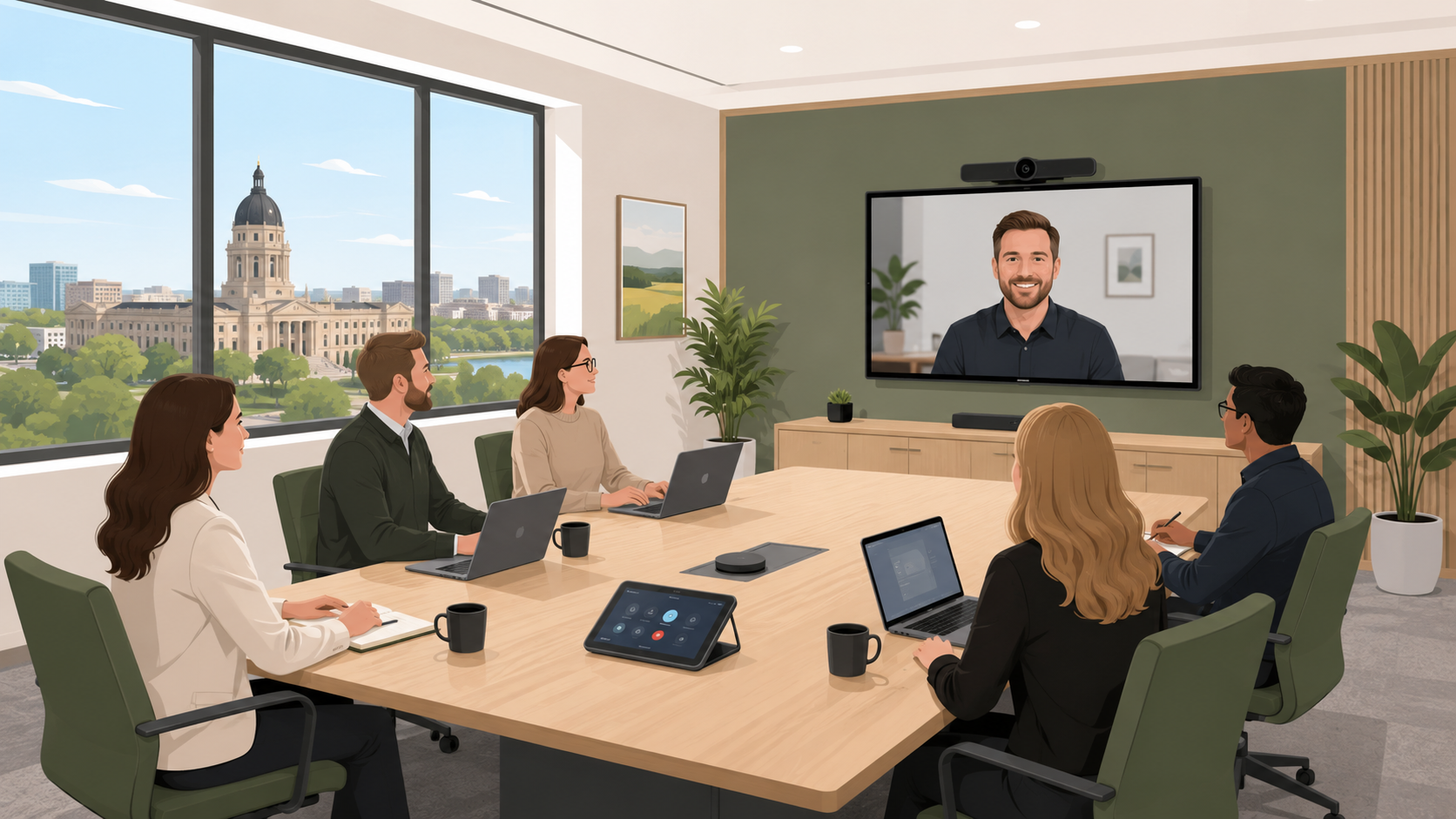
Some people are in the room. Some are joining from another office, a school, a clinic, a government building, or home. Some meetings are formal. Others happen quickly between teams that need to solve a problem and move on with their day.
That puts a lot of pressure on the room.
A meeting room should not slow people down. It should help them talk clearly, share information, and make decisions without fighting with the technology first.
For many Saskatchewan organizations, July is a good time to look at this closely. Workplaces are getting busier. Teams are planning for fall. Public buildings, offices, healthcare spaces, and education environments all need rooms that people can trust.
The good news is that improving a meeting room does not always mean making it complicated. In most cases, the best systems are the ones people barely have to think about.
Start With The Everyday Experience
Before choosing equipment, it helps to ask a simple question:
What frustrates people in this room today?
Common answers are easy to recognize. The call takes too long to start. People online cannot hear everyone at the table. The camera points at the wrong spot. Someone has to find the right cable. The display is confusing. The room works one way for one platform and another way for something else.
These small problems add up. They waste time, create stress, and make meetings feel harder than they need to be.
A better room starts quickly. It makes voices clear. It lets people share content without guessing. It gives remote participants a fair chance to listen, speak, and be seen.
That is what “easy to use” really means.
Clear Audio Matters Most
Video is important, but audio usually decides whether a meeting works.
If people cannot hear clearly, they stop participating. They ask others to repeat themselves. They miss details. Remote participants can feel like they are outside the conversation.
Good meeting audio should pick up the people who are speaking without making the room feel awkward or technical. In a boardroom, that might mean ceiling microphones or table microphones. In a smaller huddle room, it might be a simpler all-in-one setup. In a training room, it may need to support presenters, group discussion, and remote attendees.
The right answer depends on the room, not just the product.
Make The Room Fit The Way People Meet
Not every room needs the same system.
A leadership boardroom may need a polished setup for formal meetings. A small collaboration room may need fast video calls and easy screen sharing. A training space may need flexible audio, displays, and controls that support different layouts. A public-sector meeting room may need dependable systems that are easy to support across multiple users and departments.
The goal is not to add more technology. The goal is to remove friction.
When the room fits the real use case, people feel more confident using it.
Keep Controls Simple
A meeting room can have good equipment and still feel difficult if the controls are confusing.
Simple controls help people start the room, adjust volume, share content, and end the meeting without calling for help. Clear labels, consistent room layouts, and familiar workflows make a big difference.
This is especially important in shared spaces where many people use the room, including staff, guests, presenters, and outside partners.
People should not need special training every time they walk into a meeting.
Plan For Support After Installation
A reliable room is not only about the installation day.
Rooms change. Staff change. Meeting platforms update. Equipment needs maintenance. People may need a quick refresher after months of using the room in different ways.
That is why support matters. A good AV partner should help your team understand the room, provide clear documentation, and be available when something needs attention.
The best meeting rooms are not just well designed. They are cared for over time.
A Practical Next Step
If your meeting rooms are getting busier, start with a simple review.
Look at which rooms are used most. Ask what problems come up again and again. Check whether remote participants can hear and see clearly. Notice whether people avoid certain rooms because they are hard to use.
From there, you can decide what needs to change first.
At Hillman AV, we help Saskatchewan organizations design, install, and support meeting room systems that are simple, reliable, and built around the people using them. Whether you are updating one room or planning a standard approach across several spaces, the goal is the same: technology that helps your team communicate clearly and get on with their work.